
Menu

Blog — Vedron

Scanning and storing an invoice is the easy 80% of invoice archiving. The valuable 20% is knowing which bank transaction actually paid it, without someone scrolling through a bank statement every month.

Why a simple amount match is not enough

A bare amount match breaks constantly. A marketplace payout bundles dozens of orders into one lump sum. A payment is slightly off because of a bank fee or a Skonto discount. Two unrelated invoices happen to share the same amount in the same week. A matching system that only checks “does this number appear in the bank statement” produces false matches and misses obvious cases.

What real matching needs

A priority-ordered strategy, not one check. Try to find the invoice or reference number itself inside the bank transaction’s description first — the strongest signal. Fall back to exact amount within a reasonable date window. Then a looser vendor-keyword match within a wider window. If nothing is confident, flag it for manual review. And catch net-vs-gross mismatches cleanly, so a Skonto discount does not mask a correct match.

What runs today in Vedron

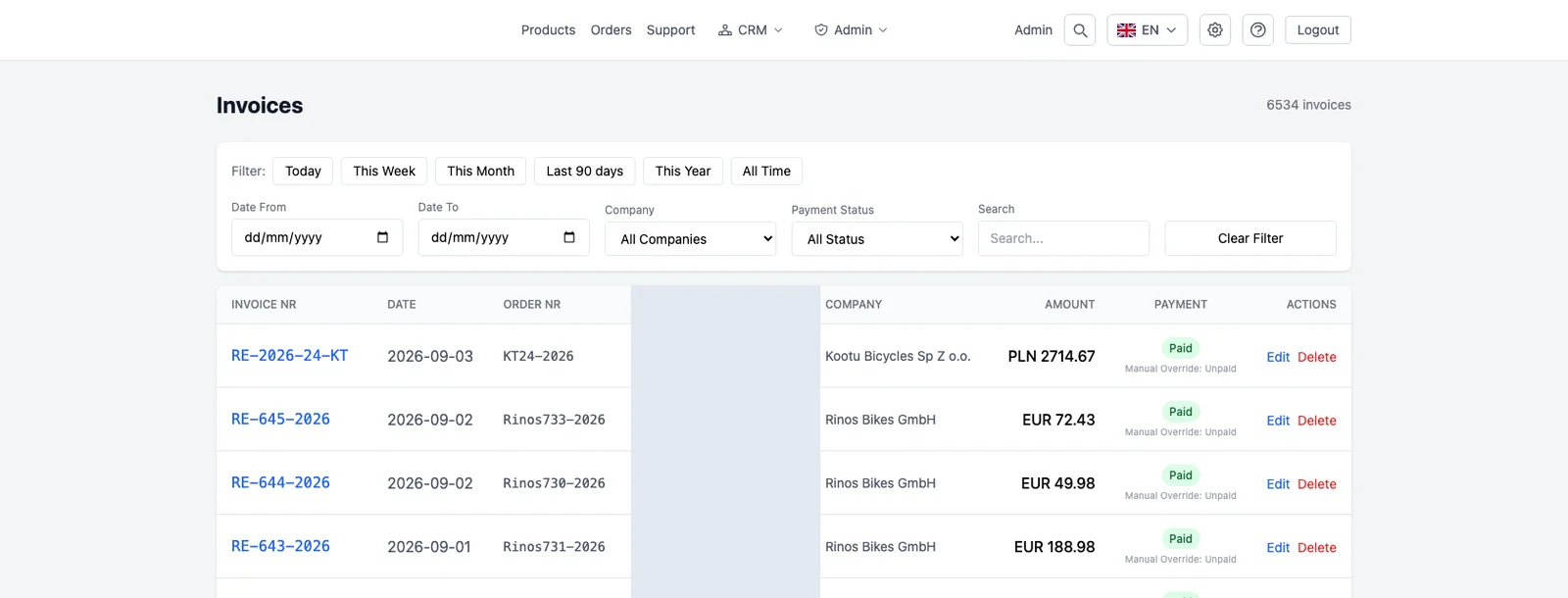
Vedron’s invoice archive starts with OCR extraction on upload, with a fallback for scans that are difficult to read. Automatic bank matching then runs a priority-ordered strategy: extracted reference number against bank transaction descriptions first, then exact amount within roughly two weeks, then a vendor-keyword match in a wider window, then manual review if none of them are confident.

Common questions

What happens when nothing matches automatically? It is surfaced for a manual pick, not left silently unmatched. The goal is confident automatic matches where the evidence supports them, and a clear fallback where it does not.

Does this handle invoices in different currencies? The exact-amount strategy is EUR-specific; other currencies rely more on the reference-number and vendor-keyword strategies.

Can OCR handle a poor-quality scan? There is a fallback chain, so a scan that a regex extraction struggles with gets a second attempt through a more capable extraction method before being flagged for manual entry.

Talk to us about your setup

Book a short call. Beta clients get two months of custom setup on us.

All posts

Invoice archiving with automatic bank matching

16. Juni 20262 min read
Invoice archiving with automatic bank matching

Scanning and storing an invoice is the easy 80% of invoice archiving. The valuable 20% is knowing which bank transaction actually paid it, without someone scrolling through a bank statement every month.

Why a simple amount match is not enough

A bare amount match breaks constantly. A marketplace payout bundles dozens of orders into one lump sum. A payment is slightly off because of a bank fee or a Skonto discount. Two unrelated invoices happen to share the same amount in the same week. A matching system that only checks “does this number appear in the bank statement” produces false matches and misses obvious cases.

What real matching needs

A priority-ordered strategy, not one check. Try to find the invoice or reference number itself inside the bank transaction’s description first — the strongest signal. Fall back to exact amount within a reasonable date window. Then a looser vendor-keyword match within a wider window. If nothing is confident, flag it for manual review. And catch net-vs-gross mismatches cleanly, so a Skonto discount does not mask a correct match.

What runs today in Vedron

Vedron’s invoice archive starts with OCR extraction on upload, with a fallback for scans that are difficult to read. Automatic bank matching then runs a priority-ordered strategy: extracted reference number against bank transaction descriptions first, then exact amount within roughly two weeks, then a vendor-keyword match in a wider window, then manual review if none of them are confident.

Common questions

What happens when nothing matches automatically? It is surfaced for a manual pick, not left silently unmatched. The goal is confident automatic matches where the evidence supports them, and a clear fallback where it does not.

Does this handle invoices in different currencies? The exact-amount strategy is EUR-specific; other currencies rely more on the reference-number and vendor-keyword strategies.

Can OCR handle a poor-quality scan? There is a fallback chain, so a scan that a regex extraction struggles with gets a second attempt through a more capable extraction method before being flagged for manual entry.

Talk to us about your setup

Book a short call. Beta clients get two months of custom setup on us.

Did you enjoy this article?