

VedronERP · Analysis & Reports
Customer Analysis
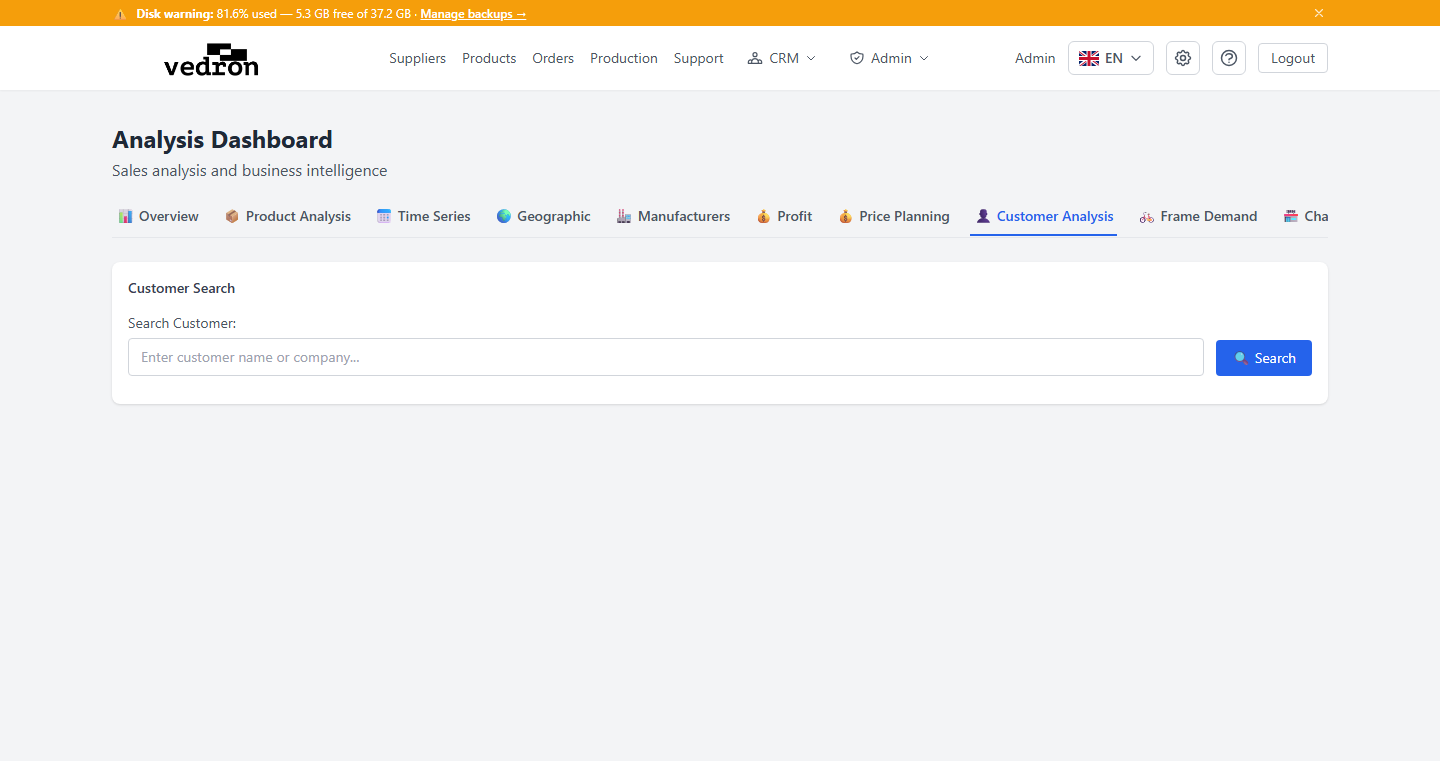
The Customer Analysis tab shows the purchase history of individual customers, broken down year by year.
Accessing Customer Analysis
- Go to the Analysis page and click the "Customer Analysis" tab.
- Search for and select one or more customers.
- Set a date range and click "Analyze."
What You See
The results show four breakdown tables per year — giving you a clear picture of what a customer bought, and how their purchasing has changed over time.
Tip: Use this tab before a renewal conversation or account review — it's a fast way to see a customer's buying pattern without digging through individual orders.