

VedronERP · Customer Management
Viewing & Searching Customers
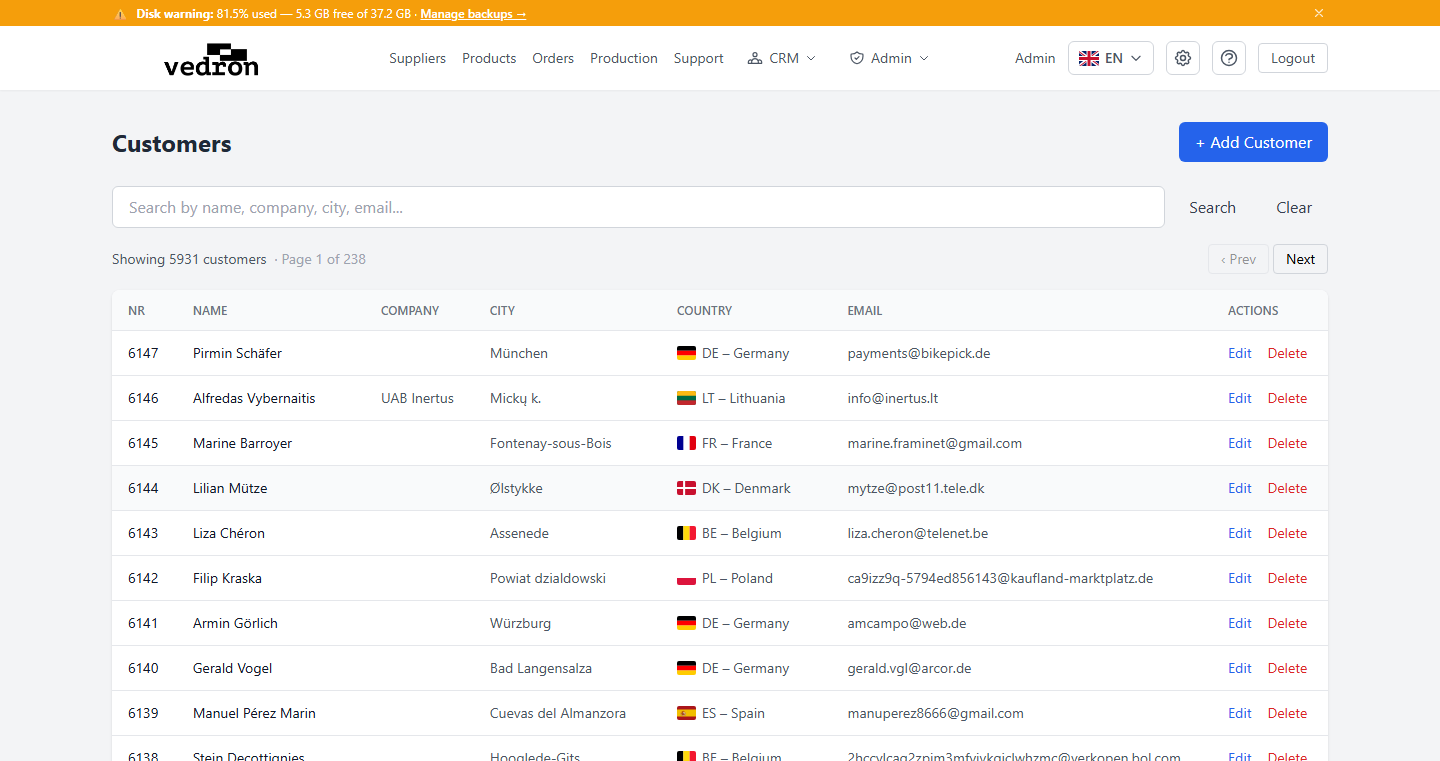
The Customers page displays all customers in a searchable, paginated list. You can quickly find customers by name, email, or other details.
Accessing the Customer List
- Navigate to the Dashboard and click "Customers" under Sales & Customer Management.
- The customer list loads with all active customers.
Searching Customers
Use the search bar at the top of the customer list to filter customers. The search works across customer names, company names, email addresses, and other key fields. Results update as you type.
Pagination
If you have many customers, the list is split into pages. Use the pagination controls at the bottom to navigate between pages. The current page and total number of customers are displayed.
Tip: The search is performed server-side, so it works efficiently even with thousands of customers.