

VedronERP · Configuration & Settings
API Credentials
Manage API credentials for all external integrations including marketplaces, shipping carriers, and e-invoicing systems.
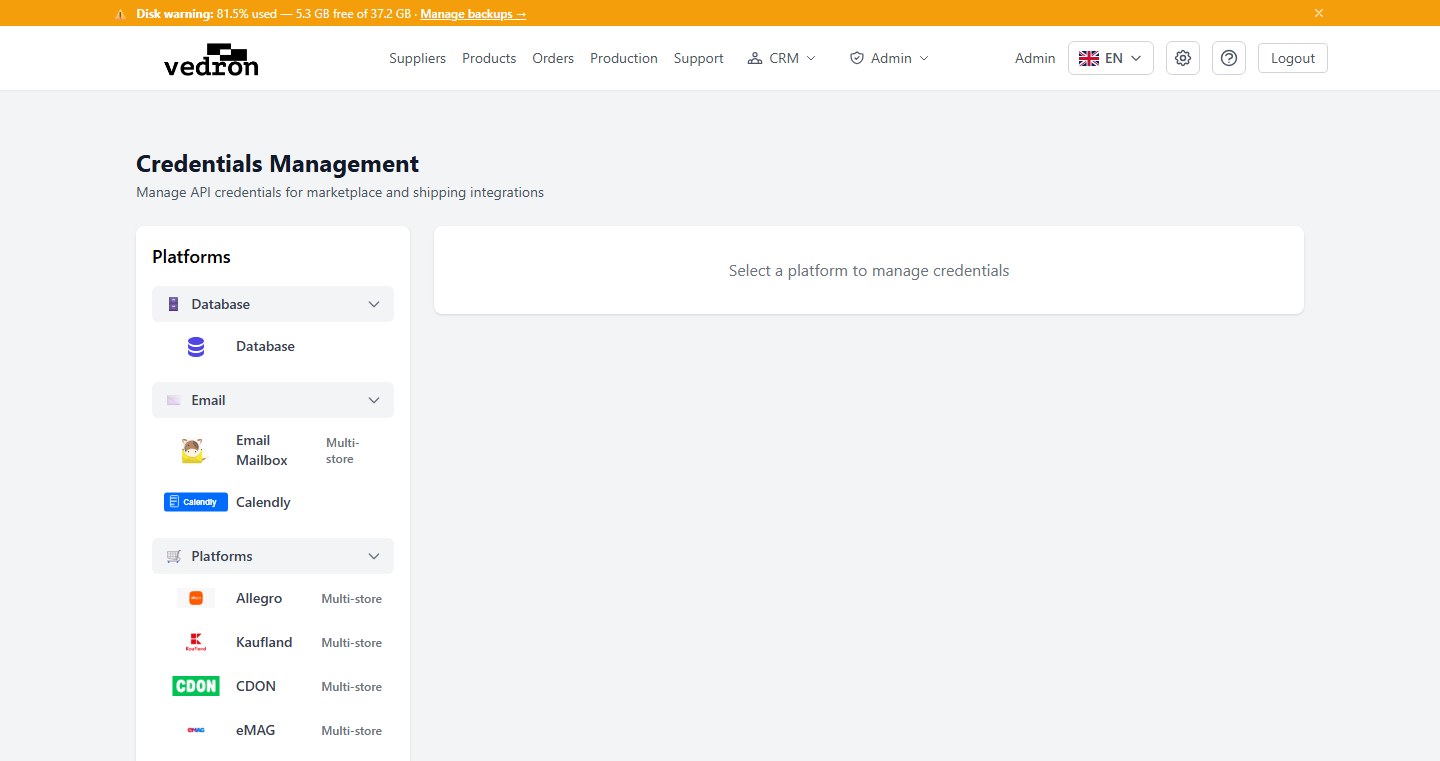
Credentials Page
The Credentials page centralizes all API configuration. Each platform has its own section with the required fields.
Connection Testing
After entering credentials, use the "Test Connection" button to verify they work. The system will attempt to connect to the API and report success or failure.
Warning: API credentials are sensitive. Only share access with authorized personnel. Rotate credentials periodically for security.
Stores and automation
- Marketplaces that support several shops let you "+ Add Store" for each shop. Select the store first, then enter its credentials; "Rename Store" changes its name.
- Saving credentials does not start importing orders. For each store, click the "Auto-sync" button to switch it ON (it is OFF by default).
- Carriers whose app-level keys are provided by the platform only need your own account details.
- If the sender details of a carrier are empty, click "Fill from company details", check them and save.
- Stock sync, automatic order transfer and tracking numbers are explained in 4.19.