

VedronERP · Order Management
Managing Order Details
Once an order is created, you can manage its line items, adjust quantities and pricing, and track its progress through the workflow.
Line Items
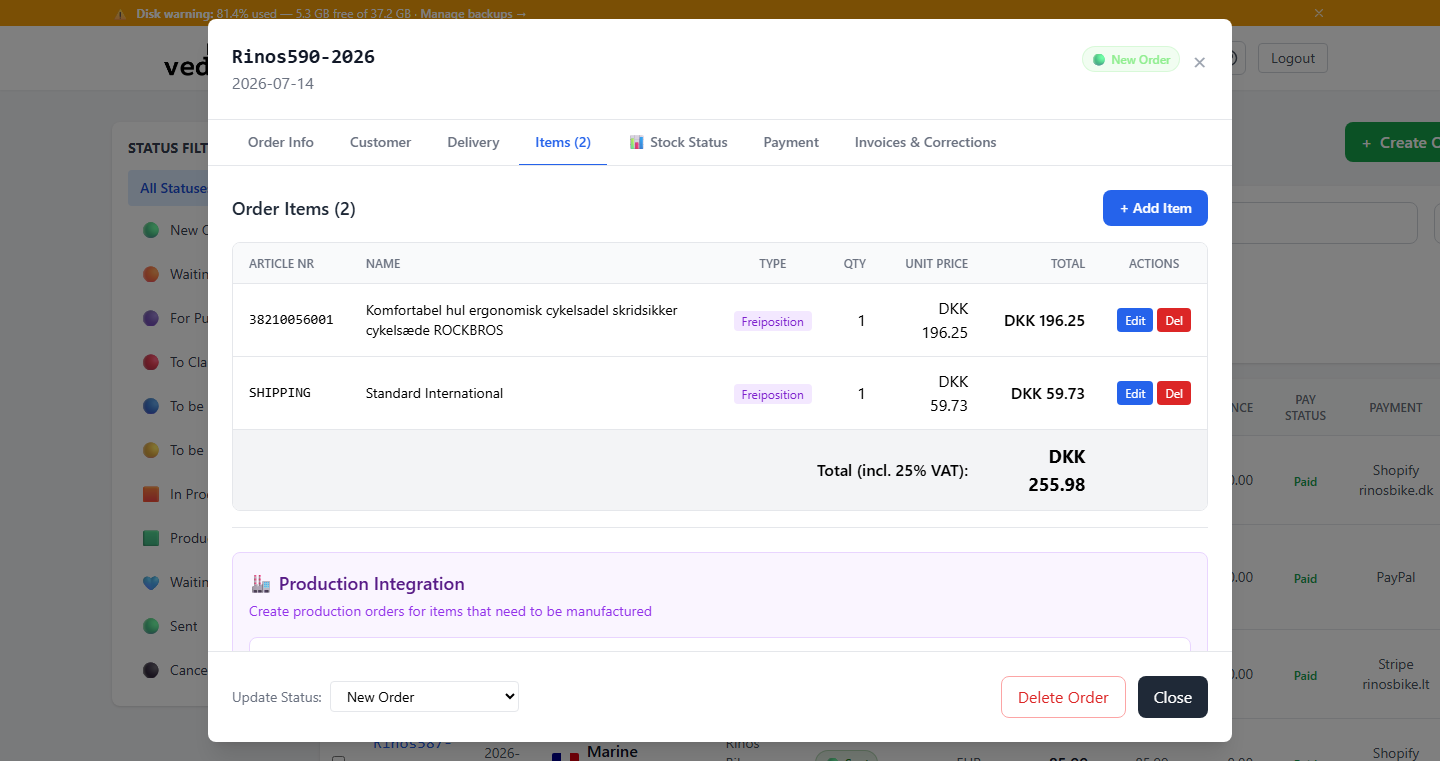
Each order contains one or more line items. Each line item includes a product reference, quantity, unit price, tax rate, and calculated totals. You can add, edit, or remove line items at any time before the order is finalized.
Adjusting Quantities and Pricing
- Open the order by clicking its order number in the order list.
- Go to the "Items" tab.
- Find the line item you want to modify.
- Change the quantity or unit price as needed.
- The line total and order total will recalculate automatically.
- Save the order to apply changes.
Tip: Order totals include net amount, tax amount, and gross total. These are calculated based on the sum of all line items.